AI Slide Generator: From Team Sources to Editable Decks

Turn your team's notes and files into editable decks with the AI slide generator in Covey. Approve the outline, then refine together.

What You Can Create with the AI Slide Generator

Teammates adding notes and files to a shared project to create one AI slide deck

Turn Team Input into One Deck

Invite teammates to a shared Covey project where everyone adds notes, research, and files. The AI slide generator turns it all into one presentation for your next team review or client meeting.

  • Pull in notes, PDFs, Word docs, and links from everyone
  • Reuse shared project sources for every new deck
  • Keep one version instead of merging five files

Before and after of an existing PowerPoint deck refreshed by an AI PowerPoint generator

Refresh an Existing Slide Deck

Upload last month's quarterly review or client template, swap in new content, and let the AI PowerPoint generator polish the layout. No need to rebuild from scratch.

  • Keep your original structure and branding
  • Swap in this month's numbers and updates
  • Export a PPTX to keep editing in PowerPoint
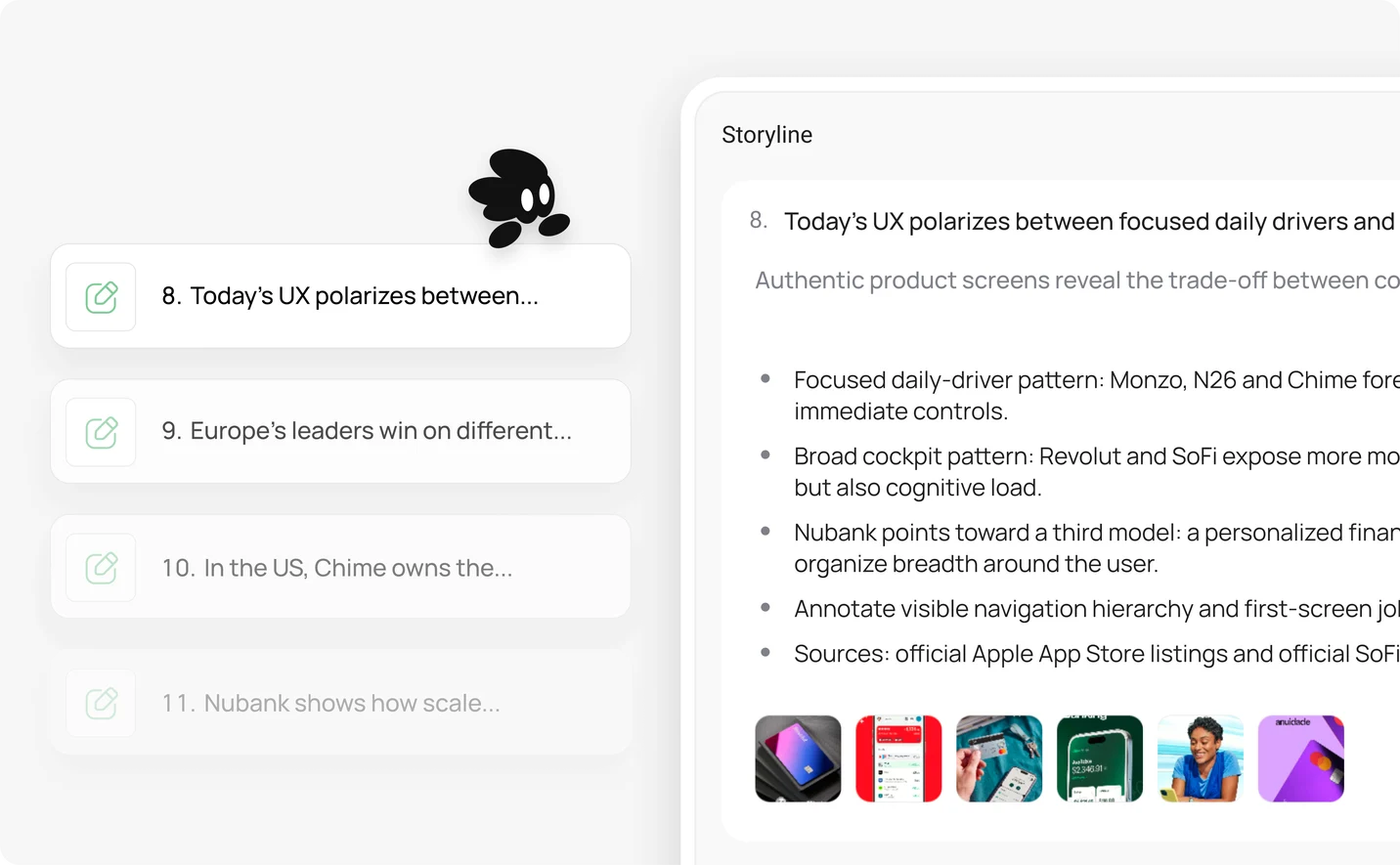
Detailed pitch deck outline reviewed before slides are generated

Outline Pitch Decks Before Designing

Lock in your story before any slide is designed. Start from notes or a PDF, review a detailed outline for your pitch, then generate slides that follow the flow you approved.

  • Review a slide-by-slide outline first
  • Ask AI in the chat to reorder or add sections
  • Generate slides only after you approve the flow
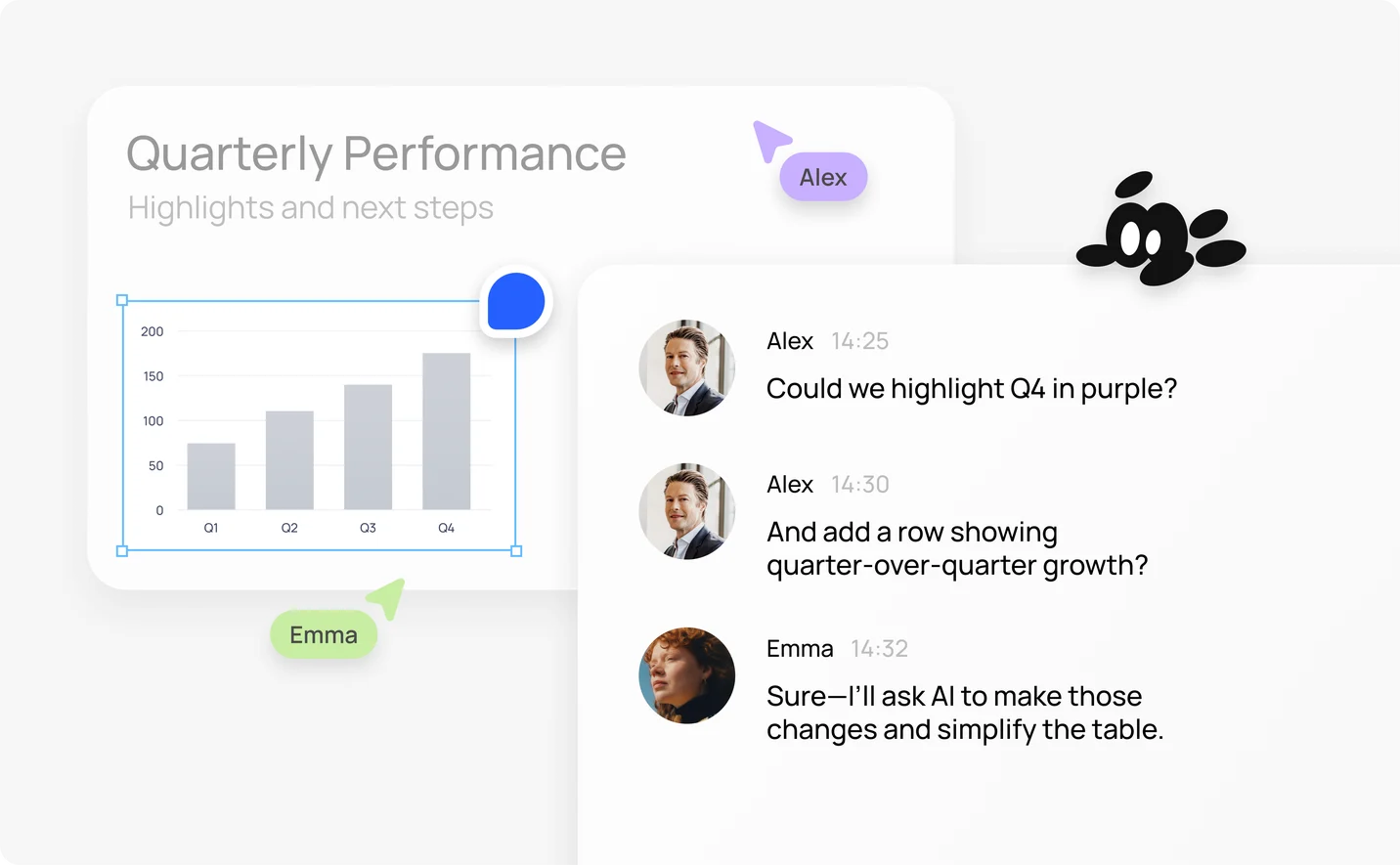
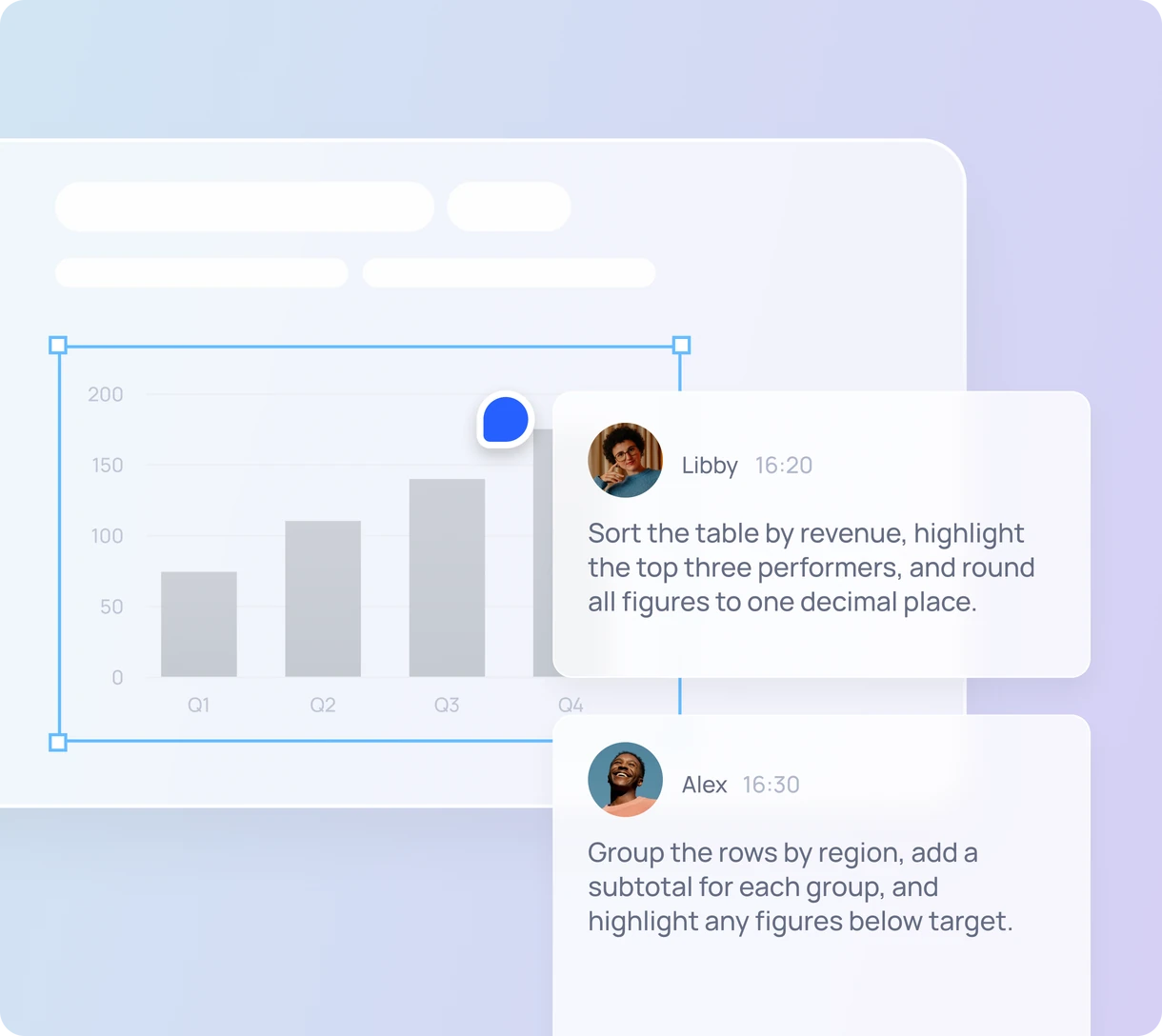
Teammates editing a report slide and leaving comments for AI to apply changes

Refine Presentations with Your Team and AI

Board reports and proposals rarely come from one person. Edit slides side by side with teammates, or leave a comment on any page and the AI presentation maker applies it.

  • Edit text, layouts, and visuals with teammates live
  • Leave a comment on any slide and AI applies it
  • Share a link or import into Google Slides when ready

How to Use the AI Slide Generator in 4 Steps

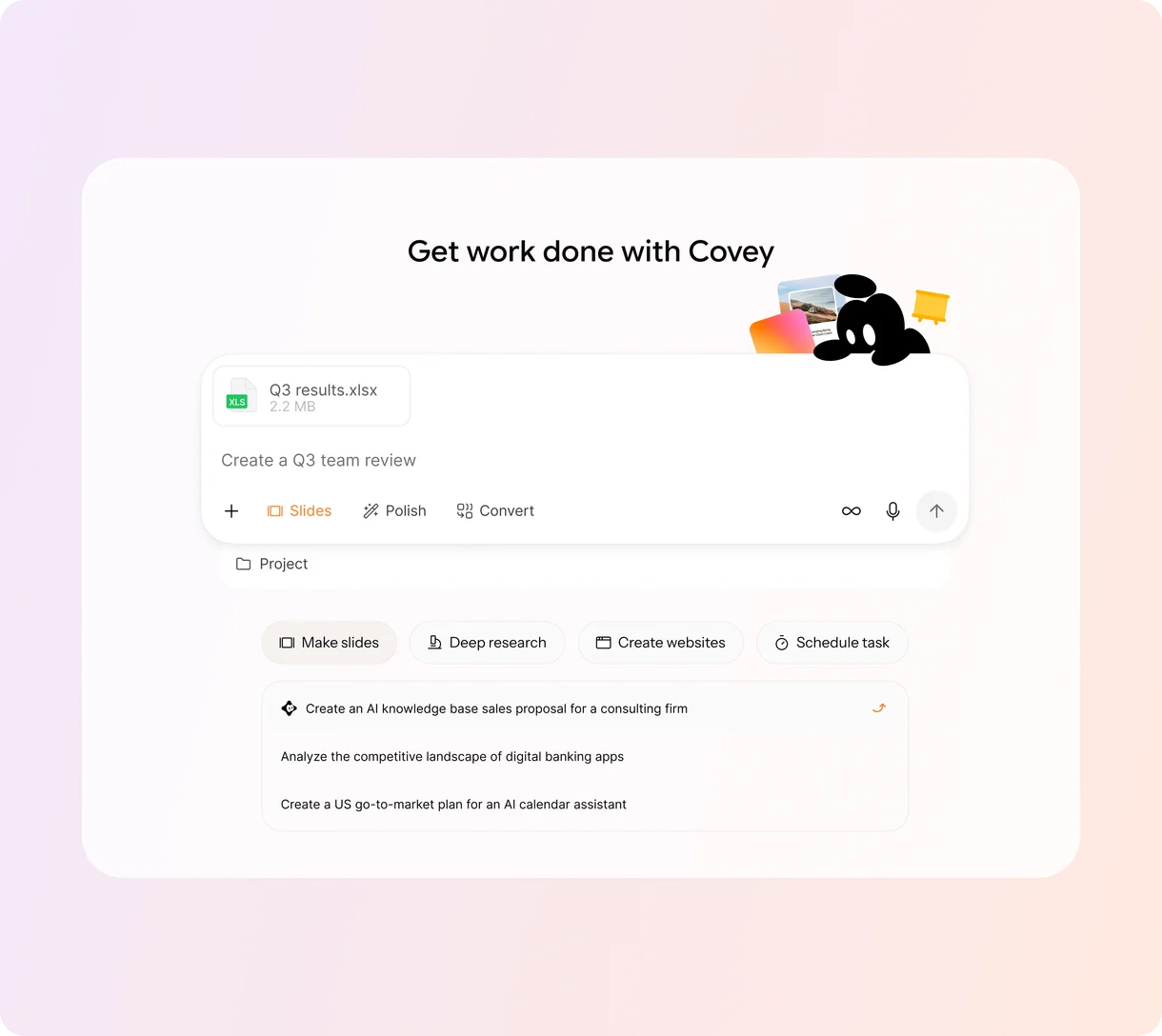
Adding a prompt, files, and shared project sources to start a presentation
  1. Describe your topic, upload a file, or pick the notes and docs your team already shares in a project. Invite teammates to add their input before you start.

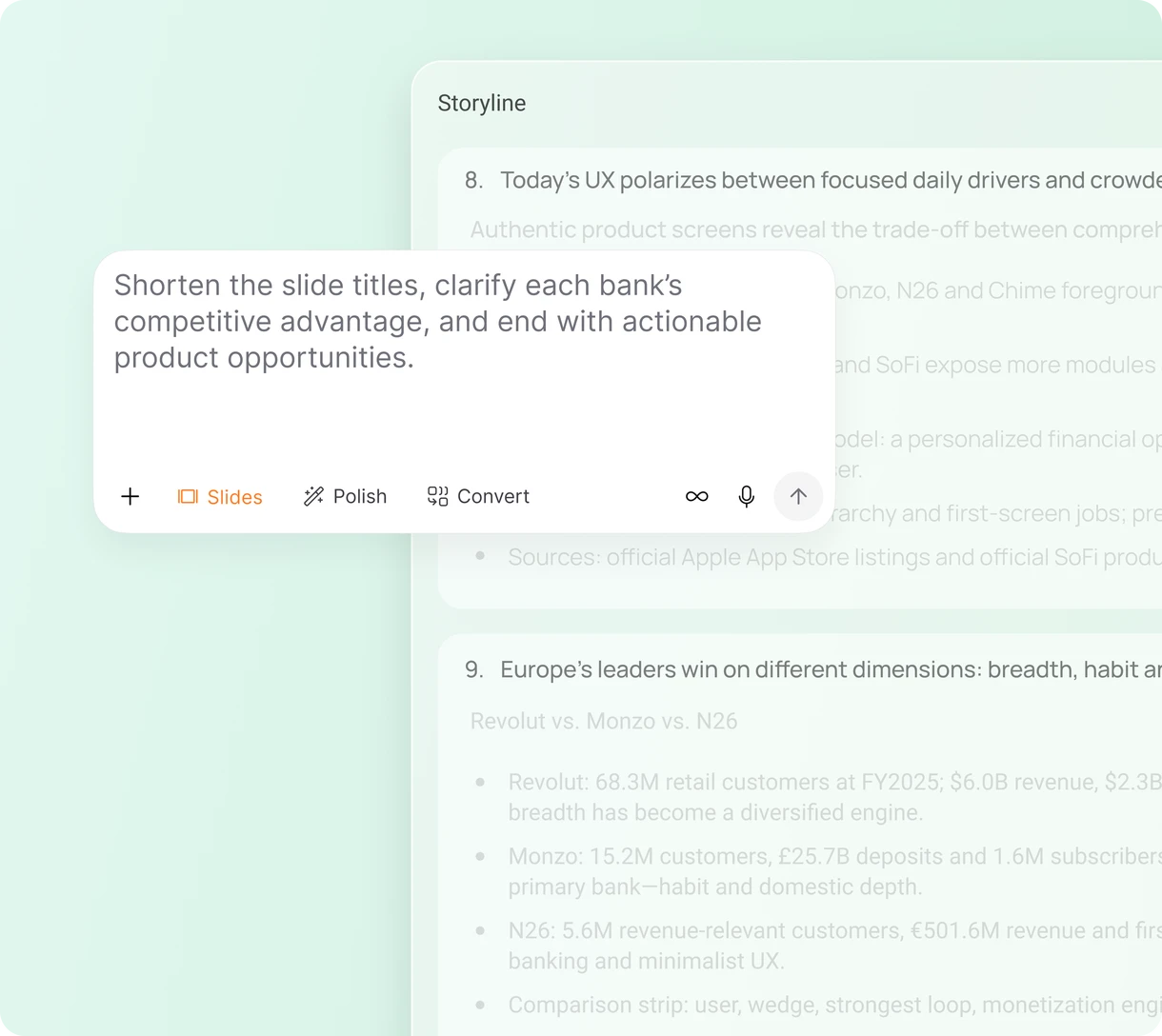
  2. Read through a detailed outline of every slide and ask AI in the chat to adjust it until the story flows. Approve it before any design begins.

  3. Build a complete deck that follows the outline you approved, with layouts and visuals for each page.

  4. Edit slides together with teammates, or leave a comment and let AI apply the change. Export or share your deck when it is ready.

Why Choose the AI Slide Generator in Covey

A free AI presentation maker in Covey that turns your ideas and files into polished, editable slides your team can keep working on.

  • Faster Slides

    Describe your topic or drop in a file, and the AI slides maker drafts the outline and full deck. Skip the blank slide.

  • Polished Design

    Clean layouts, consistent fonts, and fitting visuals on every page, so your deck looks ready to present without a designer.

  • Your Content

    Slides draw on your notes, files, and project sources, so the story reflects your real work instead of generic filler.

  • PowerPoint Export

    Export a PPTX file to keep editing in PowerPoint, import it into Google Slides, or share a link with your team.

What Users Say About Our AI Presentation Maker

  • Marketing

    “This AI presentation maker cut our recap to 20 minutes.”

    I own campaign recaps for four product lines. I add the brief and the results to a shared project, approve the outline, and the deck comes out ready for my team to edit. No more rebuilding the same slides every month.

    Sarah M.Marketing Manager
  • Sales

    “Exporting to PowerPoint means I can still make last-minute edits.”

    I prepare a proposal for almost every client call. I upload my meeting notes and get slides that are clean and ready to tweak. As an AI PowerPoint generator, Covey exports a PPTX I can still edit minutes before the meeting.

    David K.Account Executive
  • Startup

    “I fix the story in the outline before the AI slide generator runs.”

    Pitch decks used to mean days of design. Now I review the outline first and lock the narrative, then the deck follows it. I reused the same project sources for every investor update last quarter.

    Priya S.Startup Founder
  • Education

    “Exactly the AI slide generator for teachers I wanted.”

    I turn my lesson PDFs into class slides every week. I approve the outline so the content matches my curriculum, then import the deck into Google Slides and teach from there. Prep that took a Sunday now fits into an hour.

    Emily R.High School History Teacher
  • Operations

    “The AI slide maker turns five people's updates into one deck.”

    Our weekly business review pulls updates from five people. Everyone adds their numbers to the same Covey project, so we get one deck instead of five versions. Comments go straight to AI, so revisions take minutes.

    Michael T.Operations Lead
  • Consulting

    “I started with the free AI presentation maker and never looked back.”

    I refresh the same client template every month. Polish slides keeps my structure, updates the content, and cleans up the layout, so I no longer lose hours to formatting before every client review.

    Laura C.Management Consultant

AI Slide Generator FAQs

What is AI Slides in Covey?

AI Slides in Covey is an AI slides generator built into the Covey workspace. It turns your prompts, uploaded files, and the sources your team shares in a project into complete, editable presentations. It works for business teams building pitches and reports, and as an AI slide generator for teachers who want to turn lesson notes into class slides. You review a detailed outline before any slide is built, then refine the deck with your teammates and AI.

Is AI Slides in Covey free?

Yes. You can start using Covey as a free AI PPT maker. When you need more, paid plans start at $20 per month and include monthly credits that work across Converge products. See the Pricing page for details.

What is the best AI presentation maker for teams?

Look for a tool that works from your own materials, lets you shape the structure before design, supports teamwork, and gives you slides you can keep editing. Covey is an AI slides maker built around these needs, with shared project sources, outline-first generation, team editing with AI comments, and polish for existing decks.

How is Covey different from making slides with ChatGPT?

ChatGPT works well when one person drafts a deck in a single chat. Covey is built for teams. Everyone adds sources to a shared project, and you can reuse those sources and past work for your next deck. Teammates edit the same slides in real time, and anyone can leave a comment for AI to update a page.

How accurate is the content in Covey slides?

Your slides are built from the prompts, files, and project sources you provide, so the content stays close to your own material. You also approve the outline before generation, which helps you catch gaps early. As with any AI tool, check key facts and figures before you present.

Does Covey use my files to train AI models?

Your prompts, files, and project sources are used to create and edit your presentations. To learn how your data is handled, see our Privacy Policy.

Do I need design skills to create slides in Covey?

No. As an AI slide maker, Covey handles layouts, visuals, and formatting on every slide, so you can focus on your story. To change the design, edit any page directly or leave a comment describing what you want.

What files can I upload to Covey?

You can upload PDFs, Word documents, PowerPoint files, and images, or paste a web page or YouTube link. You can also use notes and docs already shared in your Covey project. Looking for a PDF to presentation AI tool? Upload a report or whitepaper, and Covey turns it into a structured outline and presentation.

Can I edit the outline and slides in Covey?

Yes. Before any slide is built, tell AI in the chat what to change, and it will update the outline for you. Once your slides are generated, you can edit text, layouts, and visuals directly on any slide, or leave a comment and AI will make the change.

Can I export Covey slides to PowerPoint or Google Slides?

Yes. As an AI PowerPoint generator, Covey exports your deck as a PPTX file you can keep editing in PowerPoint. Want a Google Slides AI generator? Import the same file into Google Slides. You can also share a link with your team.

How do I write a good prompt for AI slides?

When you use Covey as an AI slide generator from text, tell it who your audience is, what the presentation needs to achieve, and roughly how many slides you want. Attach the files or project sources it should use. Not sure where to start? Pick a built-in prompt, such as Convert file to slides or Polish slides, and adjust it to fit your needs.

What languages can I create slides in with Covey?

Covey can create slides in almost any language, including English, Spanish, French, German, Japanese, and Chinese. Write your prompt in the language you want, and your outline and slides will follow it.

Start Your Next Deck with the AI Slide Generator in Covey

Bring your notes, files, or links to this free AI presentation maker. Approve the outline, then refine every slide with your team.

Create Slides Now
Build with Enter